
Megapari Mobile App: Sports Betting and Online Casino on the Go

The Megapari mobile app allows users to place sports bets from a smartphone or tablet. To get started, users download and install the app, then create an account. New users qualify for a 100% bonus on their first deposit, up to INR 30,000.
Content
Megapari App Screenshots
App screenshots
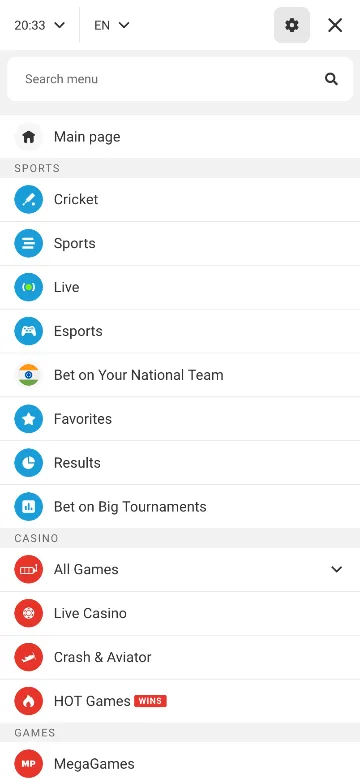
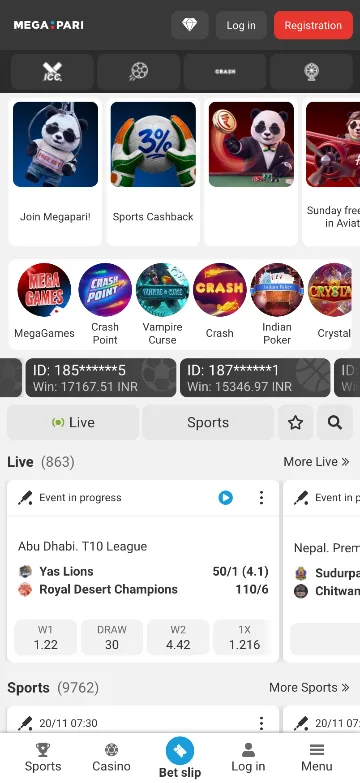
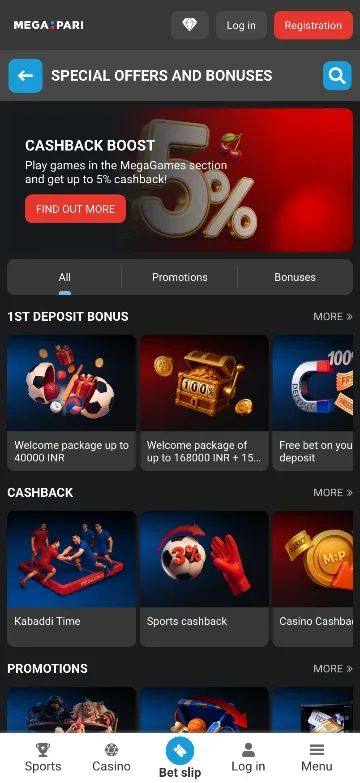
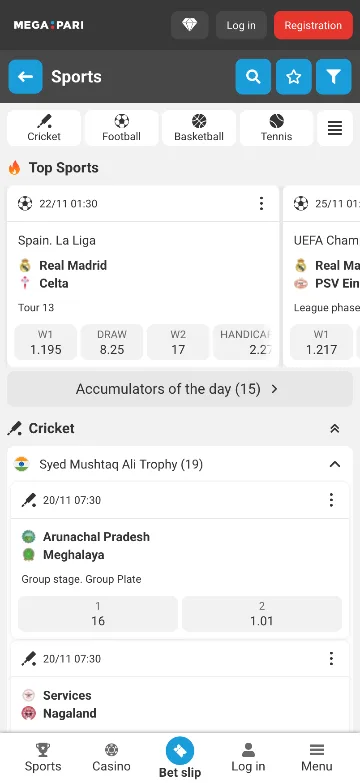
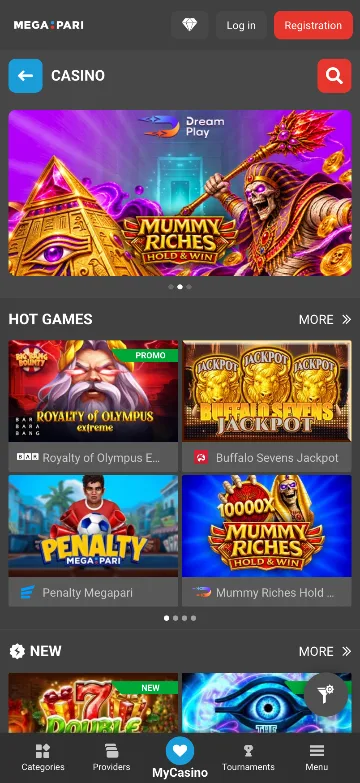
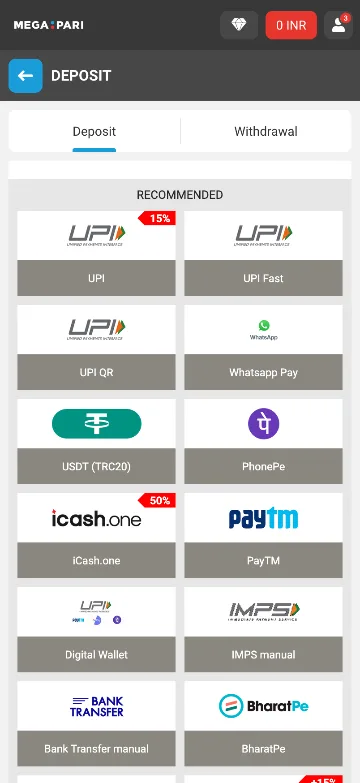
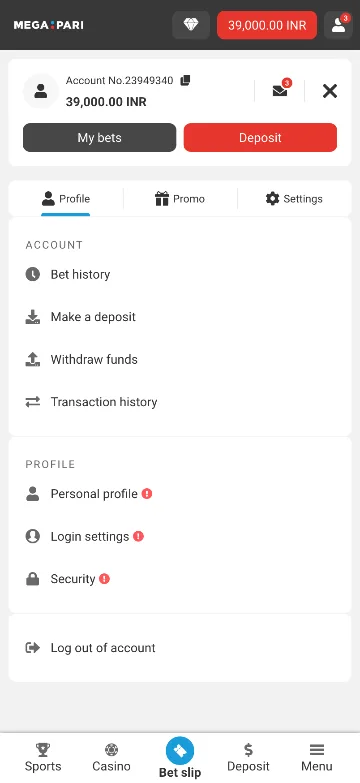
Megapari App: Main Details and Specifications
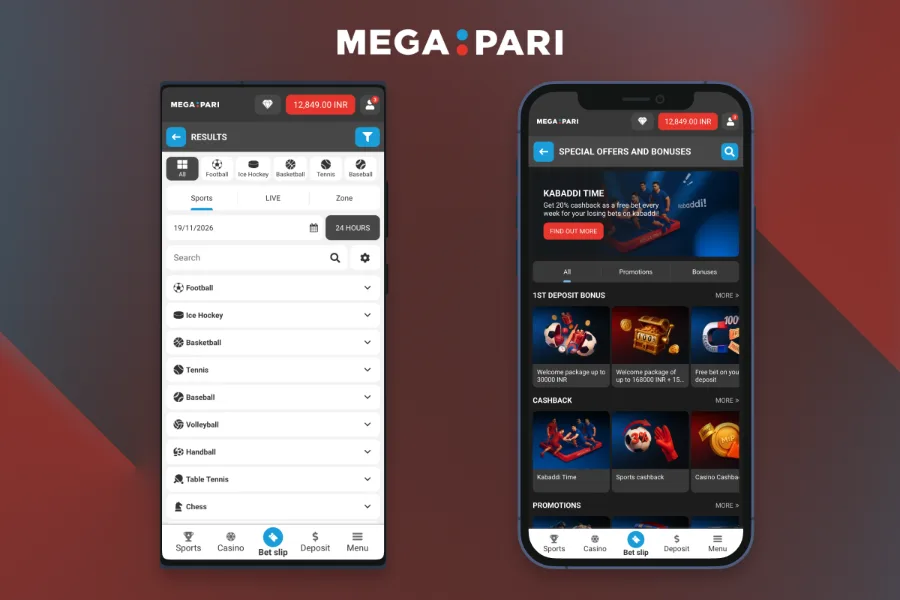
Megapari India offers dedicated apps for Android and iOS. The design and layout of the apps match the website, and users will find the same navigation menus and betting tools in the apps.
| Parameter | Details |
|---|---|
| App version | 5.4 (Android), 4.0.1 (iOS) |
| Supported operating systems | Android 5.0, iOS 9.0 or higher |
| Download cost | Free |
| Sports betting | Yes |
| Casino | Yes |
| Live casino | Yes |
| Accepts Indian Rupees | Yes |
| Welcome bonus | 100% up to 30,000 INR or 130% up to 39,000 INR with promo code |
Main Features of the Megapari Betting App

The Megapari app works on both phones and tablets. Users can place bets and monitor their accounts directly from these devices. The app brings together betting, games, and account tools in a single location.
It has these parts.
- A responsive interface adapted to different mobile screen sizes;
- Direct access to sports betting, casino games, and live betting with a single tap;
- Optimisation for Android 5.0+ and iOS 12.0+;
- A minimalist layout with easily accessible navigation elements;
- Availability of the main betting functions and account management tools.
Megapari reduced the app's mobile data consumption. As a result, users on cellular networks have greater control over their data usage than they did previously.
Megapari Android App: Sports Betting on Mobile Devices
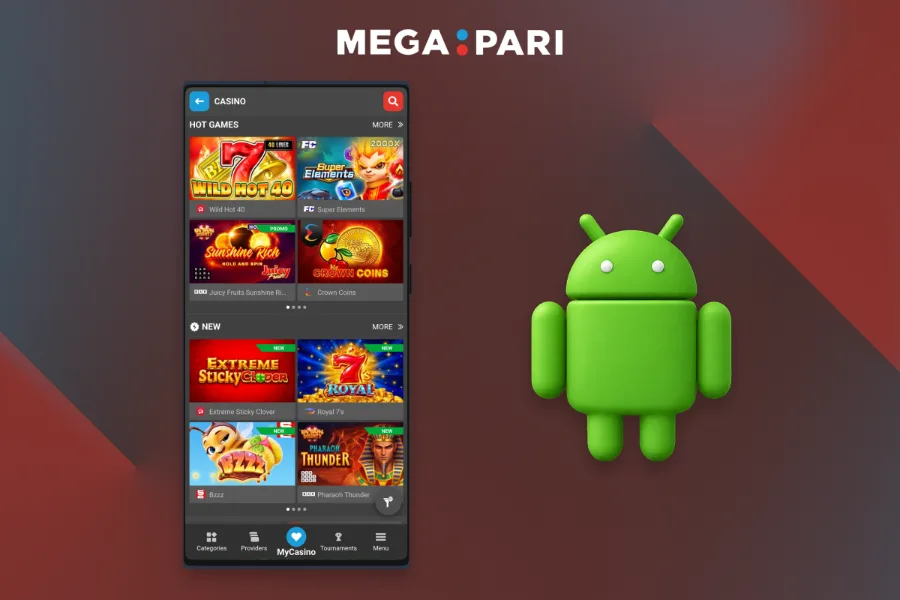
Android users can install the Megapari app on their phones or tablets. The mobile interface offers access to both pre-match and live betting. Within the app, users place bets on sports events before they begin or while tournaments are in progress. New users can create an account directly in the app.
Users can explore sporting events, select betting markets, and handle their accounts directly on the Android version. A computer is not required. The Android version offers the same features as the Megapari website.
Megapari APK Requirements for Android Devices
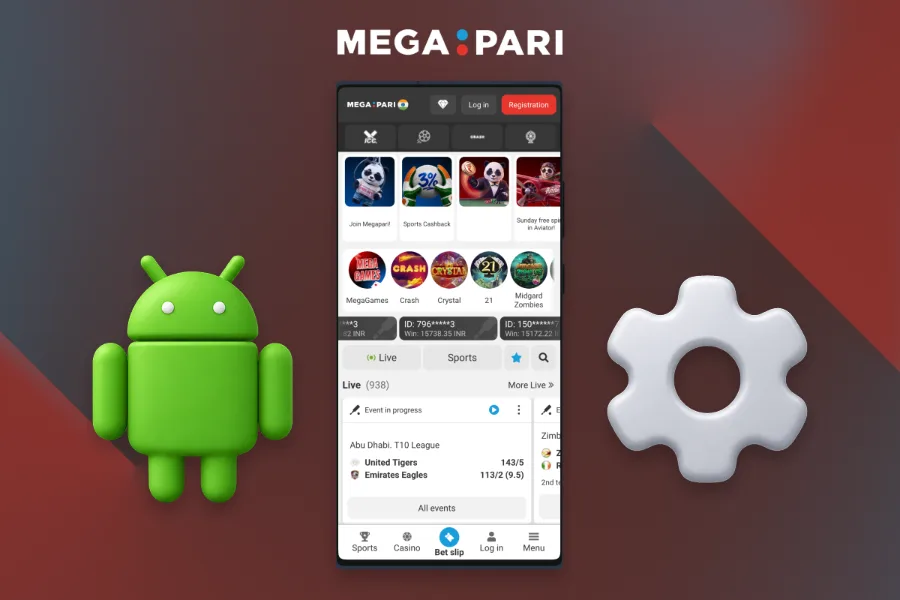
The Megapari Android application works on smartphones with modest technical specifications, so users do not need a high-end device to install the software or access main functions. The application updates automatically. Information about the installed version is available in the application's settings.
| Technical parameter | Requirement |
|---|---|
| Current app version | 5.4 |
| Installation file size | 46 MB |
| Operating system | Android 5.0 or higher |
How to Download and Install the Megapari APK on Android
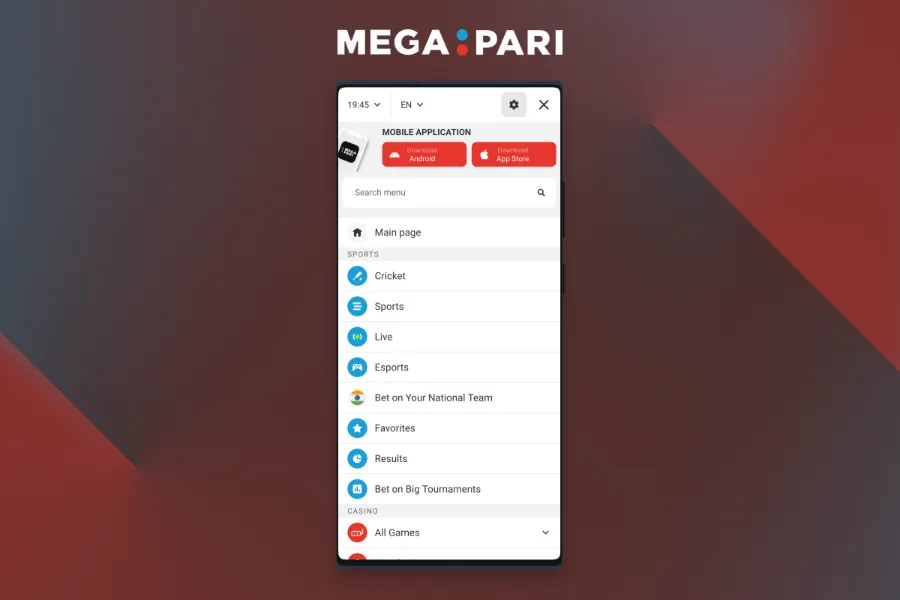
Users must download the app from the bookmaker's website. The installation file must be obtained from the website, and steps are provided to access the APK.
- Launch a browser on your Android smartphone or tablet and visit the official Megapari website.
- Find the blue button featuring a phone icon at the top of the screen and tap it.
- Once the mobile application page opens, select the "Install on Android" option.
- Enter your mobile phone number to receive an SMS containing the APK download link.
- Open the link provided in the text message. The APK file will begin downloading automatically.
- Complete the installation by following the on-screen instructions.
After users install it, they open the app on their device.
Megapari for iPhone: Available Functions and Navigation
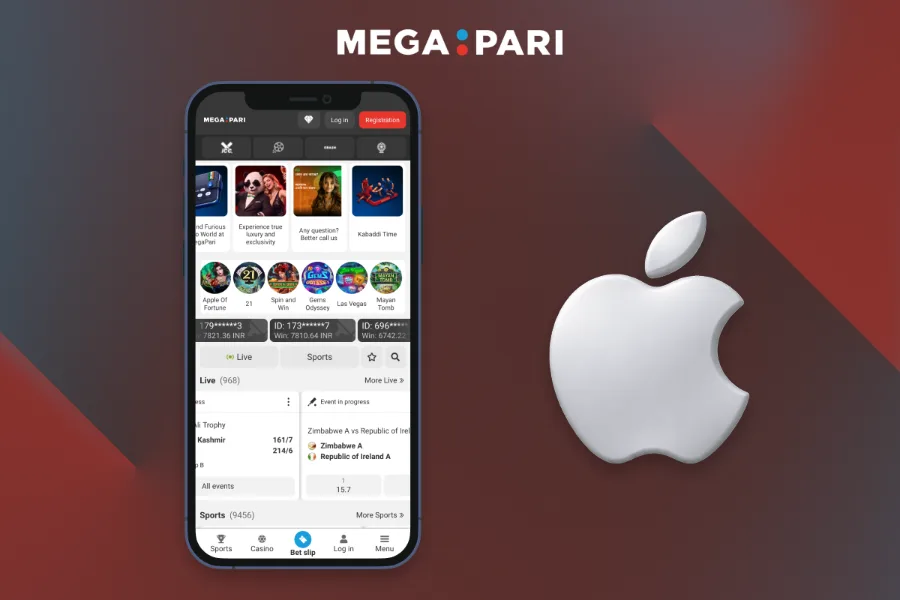
iPhone users can access the Megapari app for iOS to place bets, manage deposits and withdrawals, view statistics, and watch live tournament streams.
Users enter their username and password to sign in. After logging in, they use the bar at the bottom of the screen to navigate the app.
The navigation bar contains five sections.
- Home – the main application screen;
- Sport – the section for sports betting;
- Live – betting on events in progress;
- My Bets – access to placed bets;
- Profile – personal account information and settings.
iOS Compatibility and Megapari App Technical Requirements

The Megapari iOS app runs on Apple mobile devices. Users with iPhones that meet the system requirements can install the app without checking the model.
| Technical parameter | Requirement |
|---|---|
| Current app version | 4.0.1 |
| Installation file size | 77 MB |
| Operating system | iOS 9.0 or higher |
| Supported iOS devices | iPhone 7/7 Plus, iPhone 8/8 Plus, iPhone X, iPhone XS/XS Max, iPhone XR, iPhone Pro 11/iPhone 11 Pro Max, and newer devices, iPad, iPod Touch |
Installing the Megapari App on iPhone and iPad
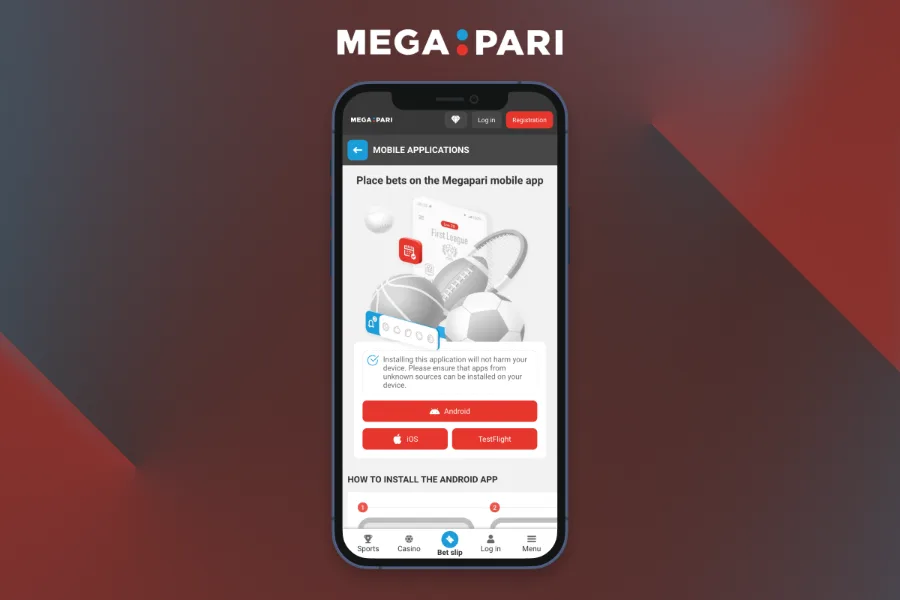
You can get the iPhone app from the App Store or the bookmaker's website. Both sources provide the same app.
Try these steps to find the application on Megapari's site.
- Open the official Megapari website in a browser on your Apple device.
- Tap the blue phone-shaped button displayed near the top of the page.
- On the application download screen, choose "Install on IOS".
- Select Install on the App Store page to begin the download.
- Press "Install" to start downloading the application onto your iOS device.
Users can also go to the Apple App Store, search for "Megapari," open its page from the results, and install the app.
Creating an Account Through the Megapari App in India
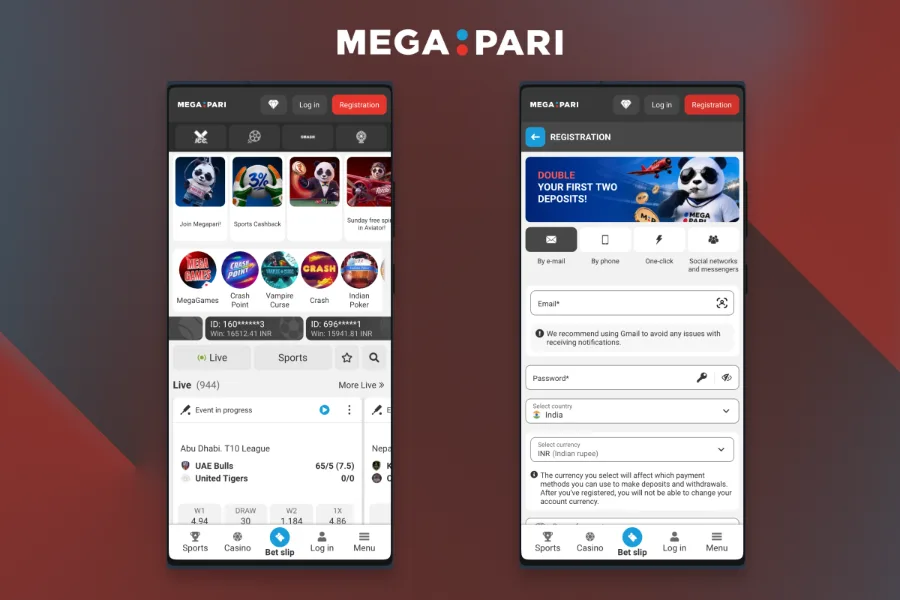
Users can create an account on the Megapari app directly from their phone. New users must register an account to use the Megapari app, and there is no need to visit the site. Users complete account registration within the mobile application.
- Launch the Megapari application on your mobile device.
- Locate and tap the red "Register" button.
- Complete the registration fields with your name, country, date of birth, mobile phone number, and email address.
- Set up a username and password for future access to your account.
- Follow the required verification procedure to confirm your registration details.
- Complete the registration and enter your newly created Megapari account.
When users finish the preparation steps, they can use the app to access their account.
Megapari App Welcome Bonus for New Players
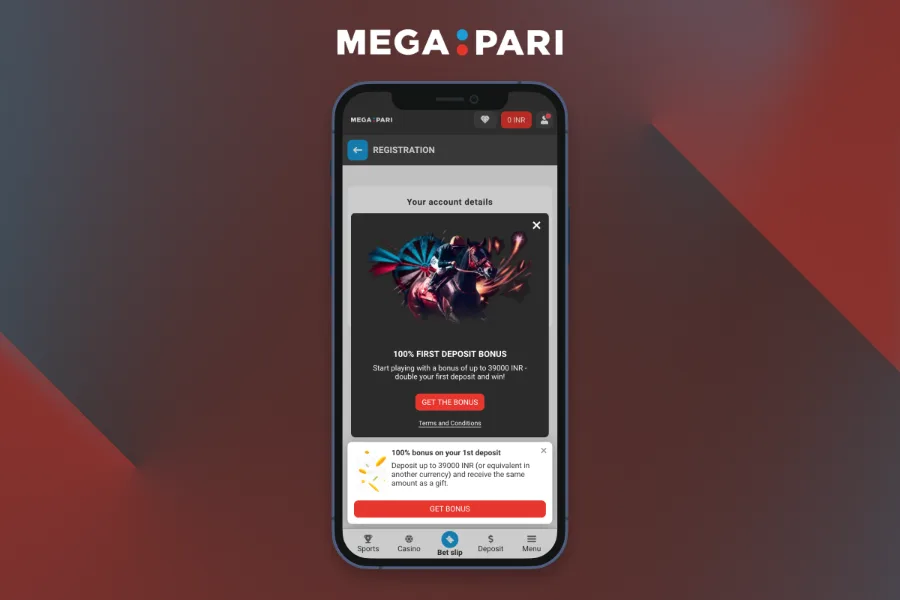
Megapari offers new mobile users a one-time reward after they make their first deposit. The site matches the deposit with a 100% bonus, up to 30,000 INR. If users enter a promotional code during registration, the bonus increases to 130 percent, raising the maximum to 39,000 INR.
Users can set up accounts on Megapari with Indian Rupees or other currencies. The site gives rewards in the currency you choose and adjusts the bonus amount to match that value. Use these steps to activate the mobile welcome bonus:
- Open the application on Android or iOS and select the red "Registration" button.
- Choose your preferred registration method, complete the required form, and select the sports betting welcome bonus during account creation.
- Fund your account using one of the available deposit methods. For users in India, the minimum deposit is 75 INR.
- Complete the qualifying deposit: Megapari credits the welcome bonus to the account automatically.
New users can access a promotional reward as part of their initial deposit. In addition, other special bonuses and promotions for Indian users are also available in the app.
How to Place Sports Bets Using the Megapari App
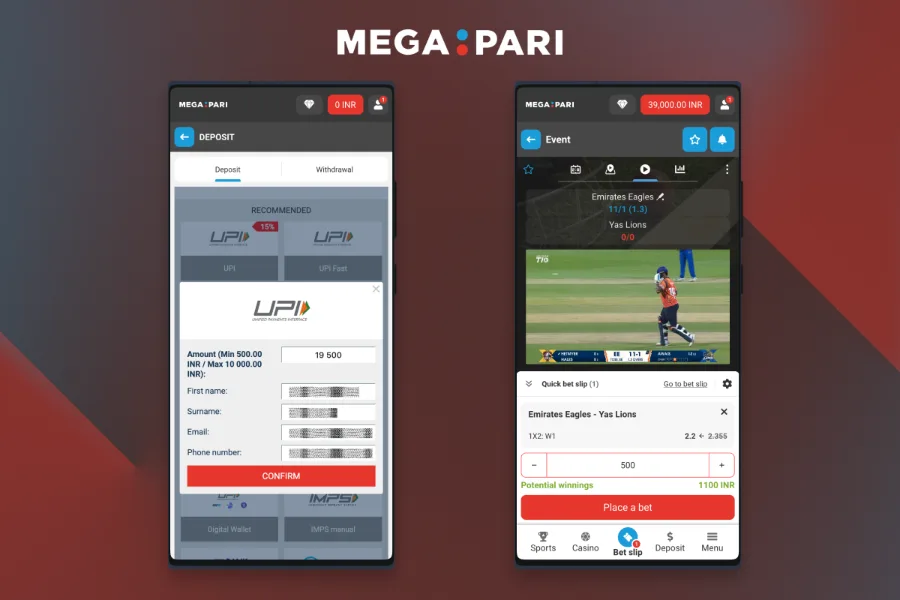
Users register with the Megapari mobile app and add money to a betting account. After setting up and funding the account, they pick events, check odds, and place bets on their phones. Use these steps to place a bet in Megapari App:
- Open the Megapari application on your smartphone or tablet.
- Sign in to your account.
- Deposit funds to your betting balance.
- Navigate to the "Line" section for pre-match events or select "Live" for ongoing competitions.
- Choose the sport and sporting event on which you want to place a bet.
- Find your preferred betting outcome and tap the corresponding odds to select it.
- Access the "Bet" section to review your selected bet.
- Specify the amount you want to stake.
Megapari Mobile Casino: Games and Available Services
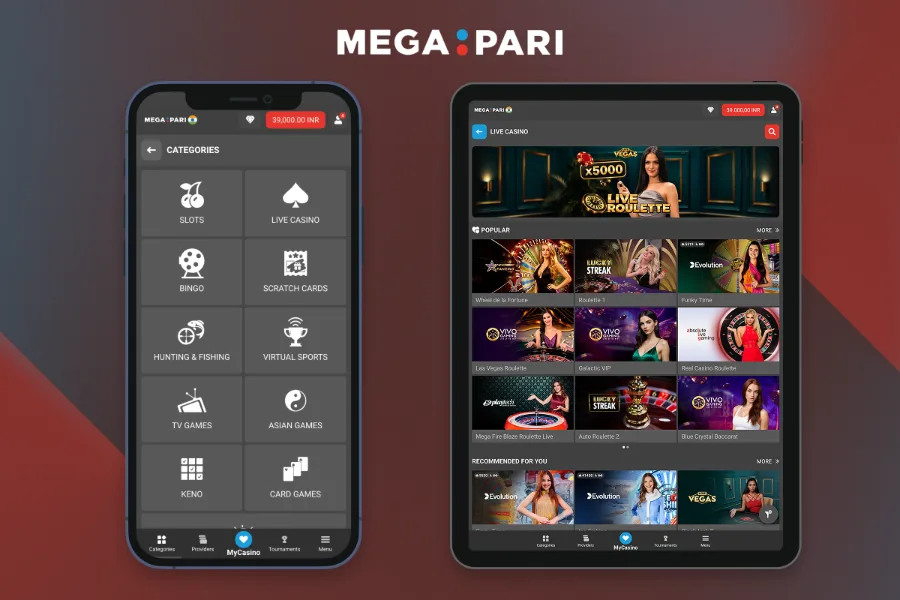
Users can play casino games on smartphones and tablets with the Megapari app. On Android, the app has the same layout as the desktop and mobile sites.
The mobile casino has over 1,000 games. Users can find these games in the following categories:
- Card and table games: Traditional casino options such as roulette, blackjack, video poker, and different poker variations;
- TV games: Casino entertainment presented in a television-style format;
- Live dealer games: Games supplied by Evolution, which feature real croupiers hosting sessions from dedicated studios;
- Online slots: Slot machines developed by established software providers, including Pragmatic Play and NetEnt.
Anyone with internet can use a smartphone or tablet to access the casino sections.
The Megapari app offers games. Users can register, deposit funds, withdraw money, reach support, and handle account tasks directly from their phones.
Megapari Mobile Website: Betting Without Installing an App
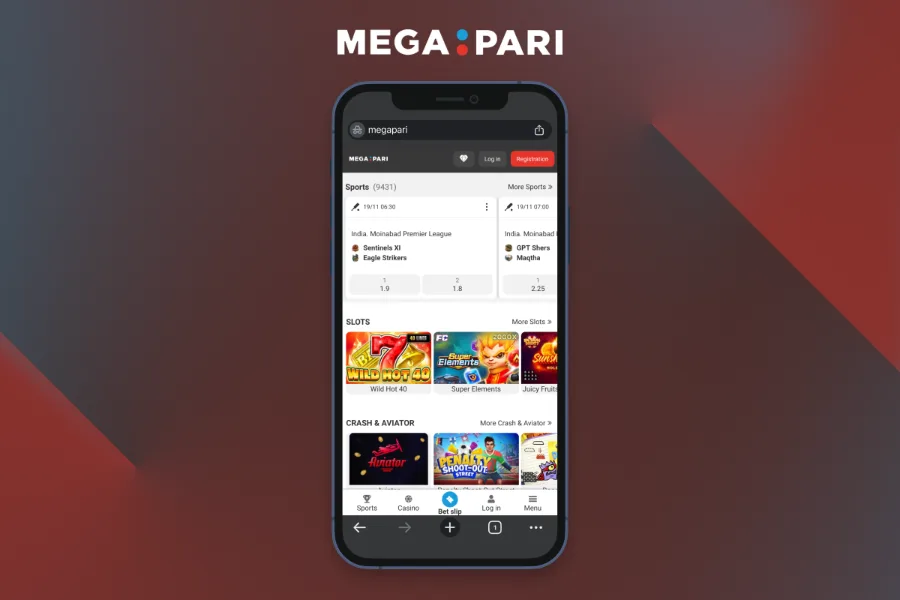
Megapari offers a mobile site. Apps are available for both Android and iOS devices. If you prefer not to download an app, or if your phone is not compatible, you can access the site through your browser.
Users can open the mobile site in a browser on a smartphone or tablet. They do not need to download any installation files. The layout fits the screen size, so visitors can use the main betting sections on their devices.
You can use the browser version to access the services and navigation categories on the Megapari site.
- Sports – access to sporting events and betting markets;
- Live – betting sections for competitions taking place in real time;
- Casino – access to the available casino games;
- Top – the corresponding section of the mobile website;
- Registration – account creation for new users;
- Log in – access to existing betting accounts;
- Additional sections – other betting functions and account management options.
The mobile site gives users access to Megapari's services without requiring them to install a separate app, so it uses no storage space.
Megapari Mobile App vs Mobile Website: Key Differences
Users have two ways to access the bookmaker on smartphones and tablets: they can either use the app or go to the mobile website. Each method features its own navigation layout, allowing users to reach betting, events, games, and account management sections.
| Mobile Website | Mobile App |
|---|---|
| Works without downloading additional software | Requires downloading and installing the application |
| Accessible through any operating system | Available for Android and iOS |
| Standard internet traffic consumption | Reduced internet traffic consumption |
| Higher battery consumption | Lower battery consumption |
| Does not occupy additional device storage | Requires approximately 100 MB of device memory |